Welcome to STEM learning for kids

CODING 4 KIDS

Learning to think like a programmer - without screens or pressure.


Tensai STEM Academy's Pre-K and Kindergarten level, technology and coding focuses on logical thinking, sequencing, and problem-solving, not typing code. Children explore how instructions work and how technology helps people.
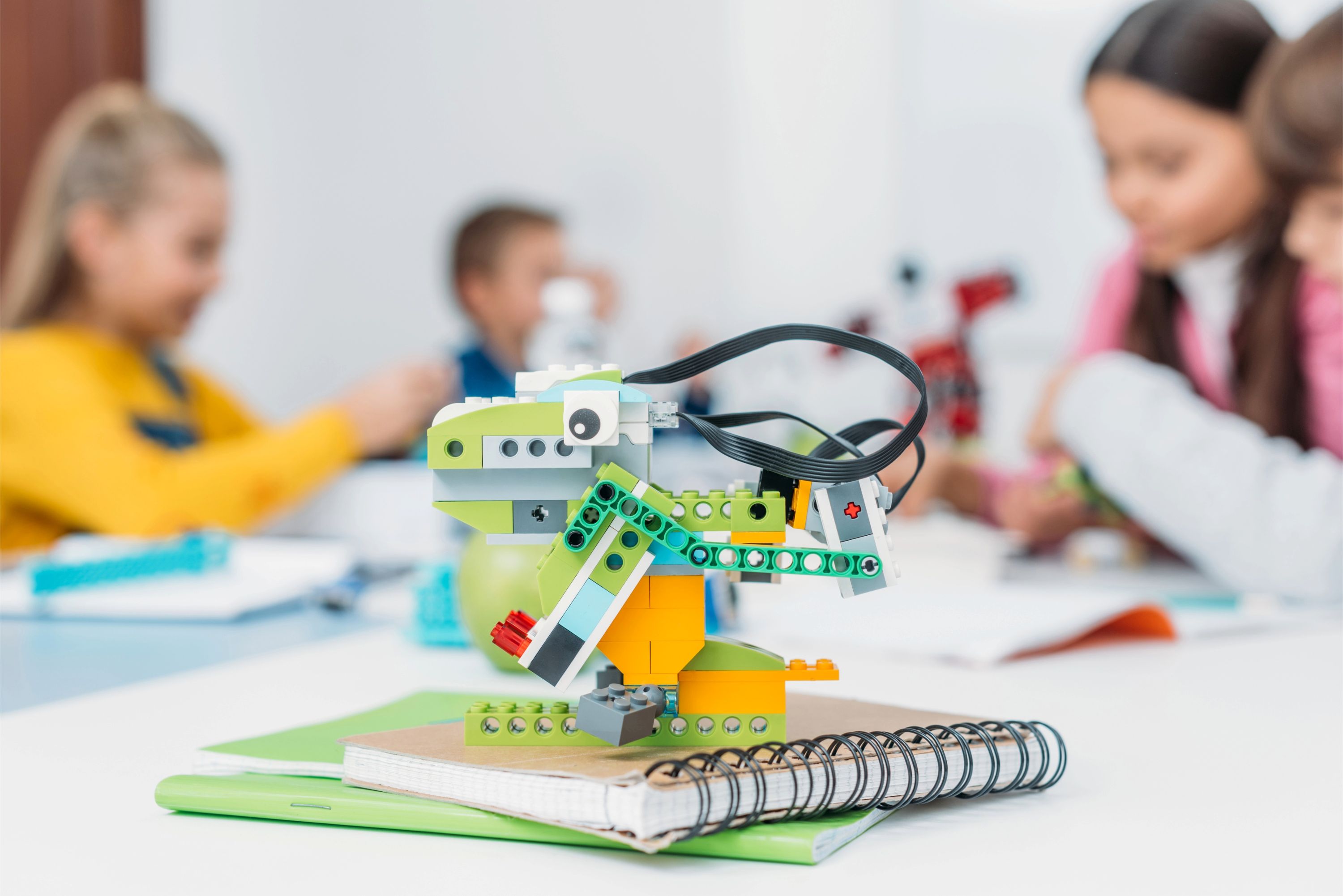
Understanding Technology

Children recognize technology as tools people use to help solve problems or do tasks.

What Kids Learn:

  • Technology helps people
  • Technology is not only screens

Example Activities:

  • Flashlight
  • Calculator
  • Camera

Digital Awareness & Safety

Children learn basic rules for safe and responsible technology use.

What Kids Learn:

  • Ask permission before using devices
  • Take breaks from screens
  • Handle devices carefully

Example Activities:

  • Keeping devices clean
  • Using headphones safely

Sequencing (Step-by-Step Thinking)

Children follow and create simple sequences of actions.

What Kids Learn:

  • Order matters
  • Instructions must be clear

Example Activities:

  • Steps to wash hands
  • Steps to get dressed
  • Following picture instructions

Cause and Effect

Children understand that actions cause results.

What Kids Learn:

  • “If I do this, then that happens”

Example Activities:

  • Pressing a button makes a toy move
  • Turning a switch on lights a bulb

Coding and Robotics


Pattern Recognition (Foundations)

Children recognize patterns in actions and objects.

What Kids Learn:

  • Patterns repeat
  • Patterns help us predict

Example Activities:

  • Clap–stomp–clap–stomp
  • Movement patterns

Directional Language (Pre-Coding)

Children use direction words to guide movement.

What Kids Learn:

  • Direction words act like instructions

Example Activities:

  • Forward
  • Backward
  • Left
  • Right
  • Turn

Problem Solving With Logic

Children solve simple problems by thinking logically.

What Kids Learn:

  • Try different solutions
  • Fix mistakes

Example Activities:

  • Finding a path through a maze
  • Moving a toy to reach a target

Unplugged Coding Activities

Children explore coding concepts without using screens.

What Kids Learn:

  • Coding is about thinking, not typing

Example Activities:

  • Giving verbal instructions to a friend
  • Floor grids where children “code” movement
  • Arrow cards showing directions

Intro to Robotics

Children learn that robots follow instructions.

What Kids Learn:

  • Robots do exactly what they’re told
  • Instructions must be clear

Example Activities:

  • Bee-Bots
  • Button-based robots
  • Programmable toys

Algorithms (Simple Instructions)

Children create simple instruction sequences.

What Kids Learn:

  • Steps must be in order
  • Instructions must be clear

Example Activities:

  • 'Move forward → stop → turn'
  • Programming a toy robot using buttons

Debugging (Fixing Mistakes)

Children learn to find and correct mistakes.

What Kids Learn:

  • Mistakes are part of learning
  • Trying again helps

Example Activities:

  • Fixing a wrong turn in a path
  • Changing instructions when a robot goes the wrong way

Creativity With Technology

Children use technology creatively.

What Kids Learn:

  • Technology can support creativity

Example Activities:

  • Drawing on a tablet
  • Taking photos of projects
  • Recording voices

Technology in Everyday Life

Children identify technology in their environment.

What Kids Learn:

  • Technology solves everyday problems

Example Activities:

  • Traffic lights
  • Washing machines
  • Microwaves

Communication Using Technology

Children explore how technology helps people communicate.

What Kids Learn:

  • Technology helps share information

Example Activities:

  • Video calls
  • Voice recordings
  • Taking pictures

Collaboration & Turn-Taking With Technology

Children practice sharing and teamwork using technology tools.

What Kids Learn:

  • Technology can be shared
  • Taking turns is important

Example Activities:

  • Group robot activities
  • Sharing tablets