
The Technology and Coding Studio at Grade 8 level builds on the foundational coding concepts introduced in earlier grades. Students begin moving from basic instructions and block-based coding toward more structured programming and computational problem-solving.
In this studio, students explore how real computer programs are built using logic structures, variables, loops, and conditions. They also learn how digital systems store and process information, how automation works, and how programmers design efficient solutions to complex problems.
Students are encouraged to think like computer scientists: breaking large problems into smaller steps, designing algorithms, testing their ideas, and improving their programs through debugging and iteration.
The studio also emphasizes digital responsibility, cybersecurity awareness, and ethical technology use, helping students understand both the power and the responsibilities that come with modern technology.
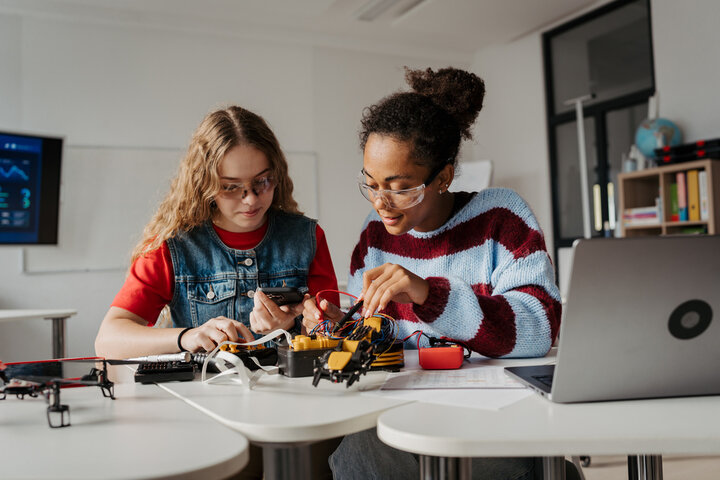
Students explore how programming concepts and computational thinking are used to design modern digital tools and systems. Students will learn:
By the end of the studio, students will begin to see programming not just as coding, but as a structured way of thinking and solving problems.
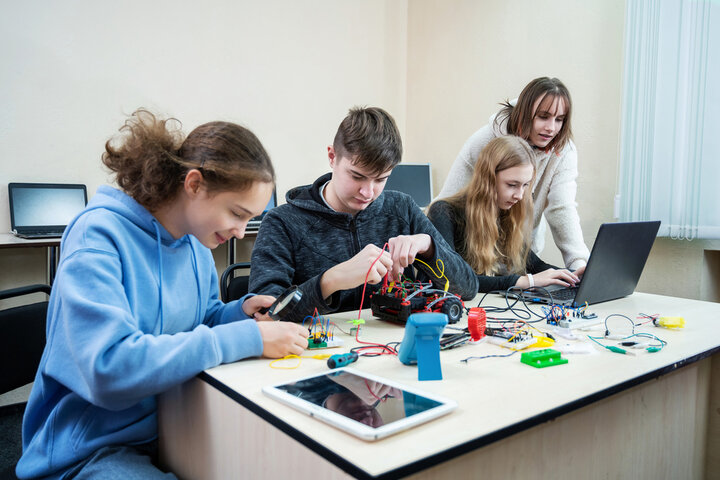
Variables are used in programming to store information that can change. Conditional statements allow programs to make decisions based on different situations. Students explore:
Example concept:
If a player's score reaches 100 points, the program displays 'Level Complete.'
Loops allow a program to repeat actions automatically, making programs more efficient and easier to manage. Students learn:
Students also learn how efficient algorithms reduce unnecessary steps, improving program performance.
Programming is often about solving problems logically. Students explore how programmers design solutions using a structured approach. Students learn how to:
This process mirrors the way software engineers and technology developers work in the real world.
Technology plays an important role in society, so it is important to understand how to use it responsibly. Students learn about:
Students develop habits that promote safe and responsible digital citizenship.
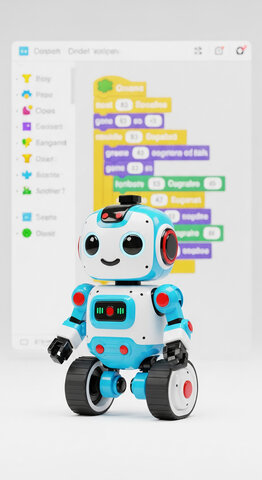
Students build both technical and problem-solving skills that are valuable across many STEM fields. Key skills include:
These skills are widely used in careers such as software development, robotics, cybersecurity, engineering, and data science.


 Contact Us