
At the Grade 6 level, technology learning focuses on understanding how digital tools work, how information is created and shared, and how technology can be used responsibly to solve real-world problems. Students move beyond simply using technology and begin to understand the systems, logic, and impact behind it.
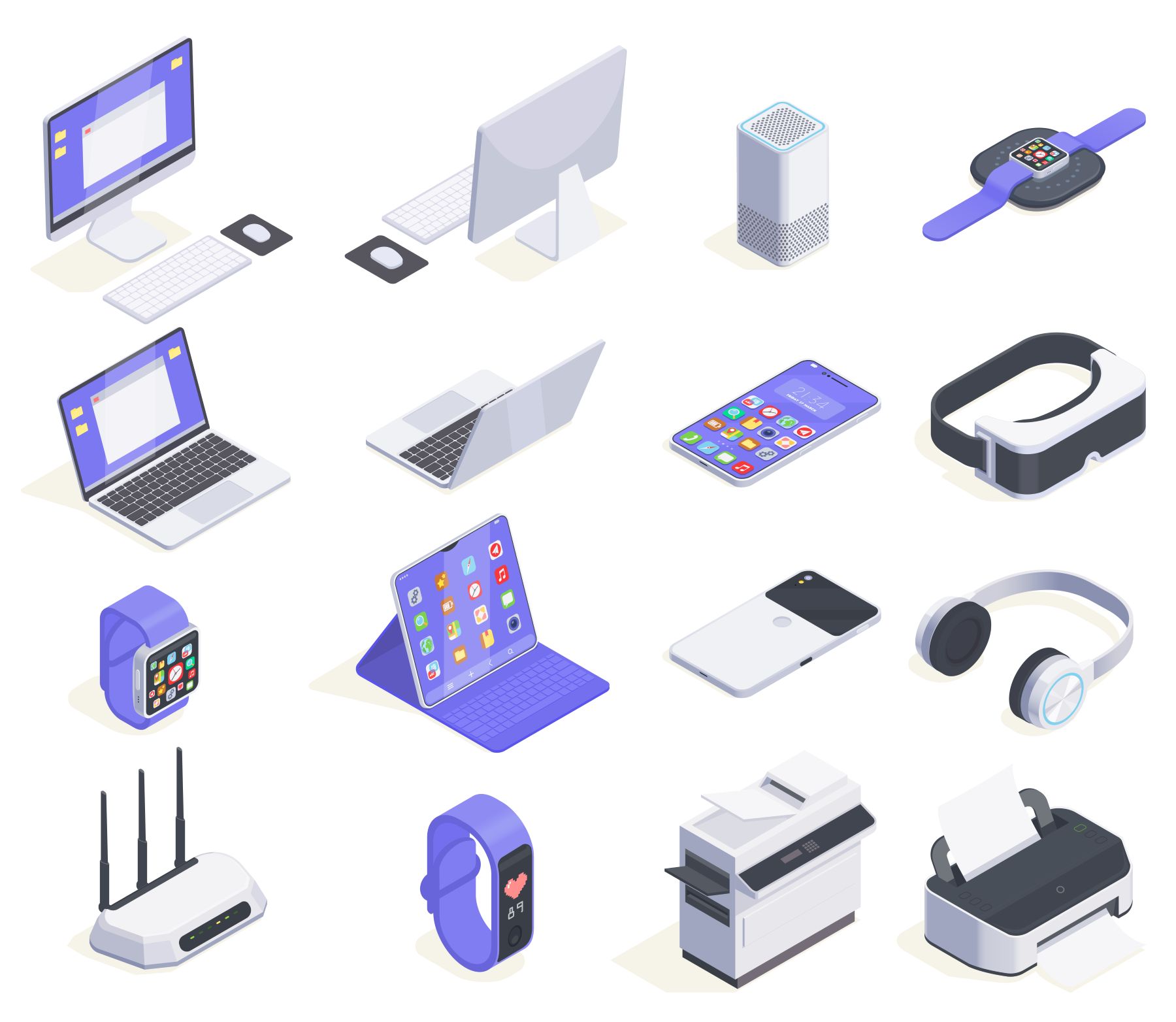
Students learn how to use common digital tools effectively to create, organize, and present information.
Key Concepts
Practice Examples
Digital tools are essential for school, future careers, and everyday communication. Learning to use them well builds efficiency, clarity, and confidence.
What Students Learn
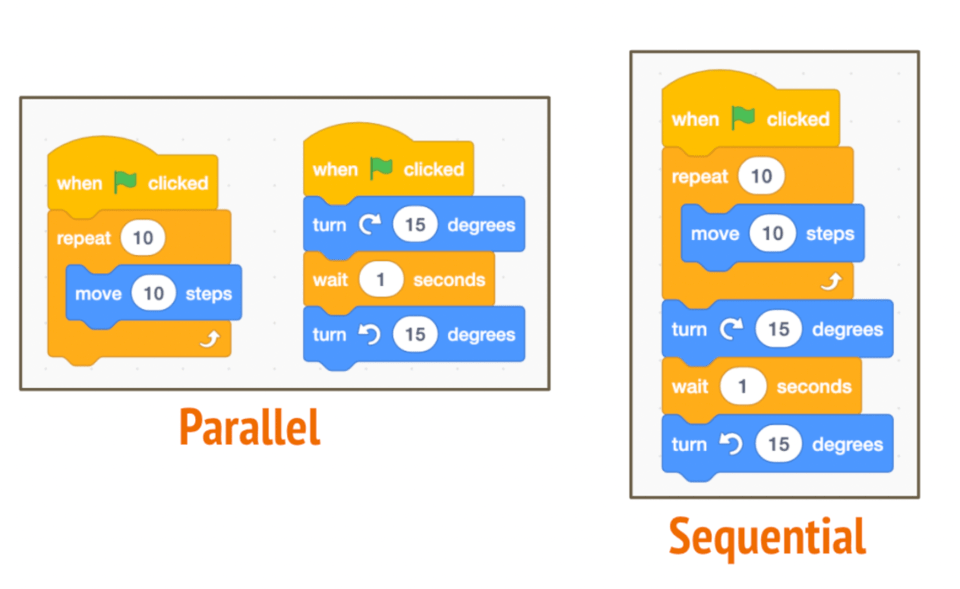
Students are introduced to coding concepts that teach them how computers follow instructions and how problems can be solved step by step.
Key Concepts
Practice Examples
Coding develops logical thinking, problem-solving skills, and persistence — skills that apply far beyond programming.
Students learn:
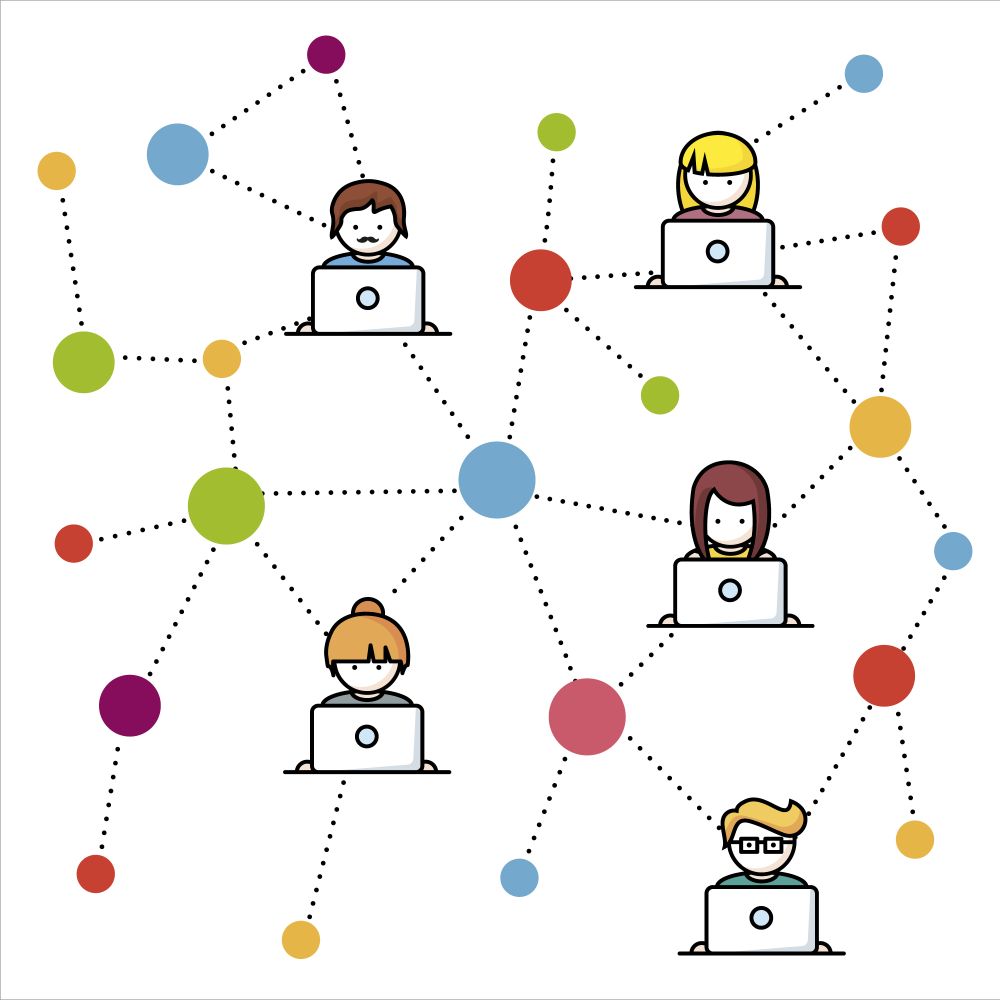
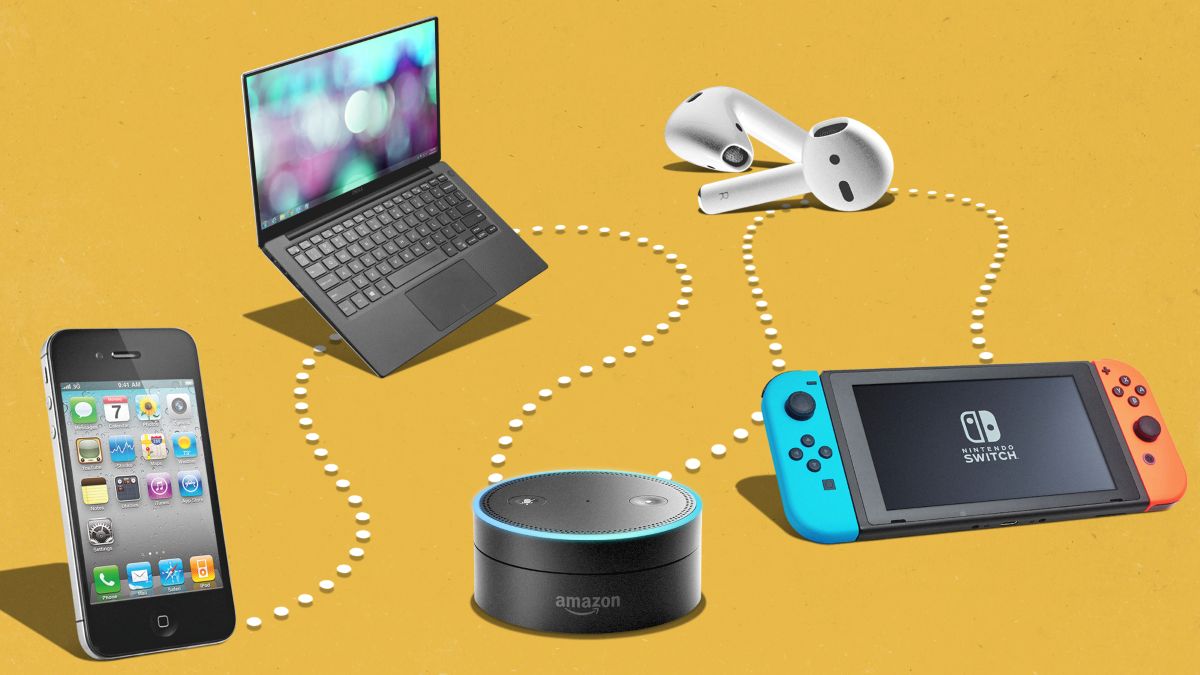
Students explore how the internet works and how information moves between devices.
Key Concepts
Practice Examples
Understanding how information travels helps students become informed users rather than passive consumers of technology.
What Students Learn
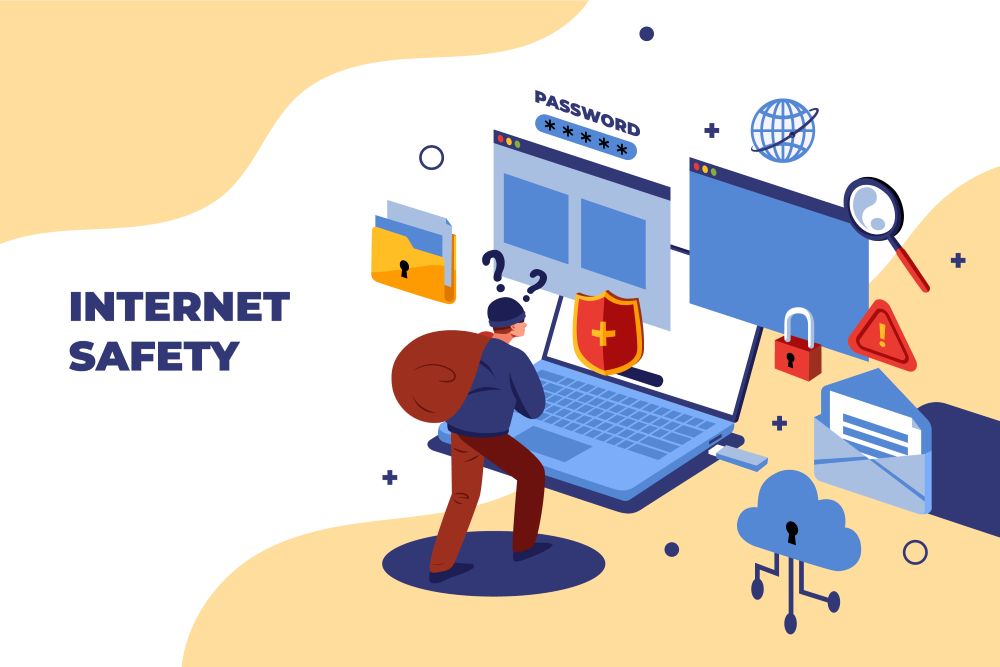
Students learn how to behave responsibly and safely in digital spaces.
Key Concepts
Practice Examples
Responsible digital citizenship protects students and helps create safer, more respectful online communities.
Students learn:
Students develop skills to judge the reliability and accuracy of online information.
Key Concepts
Practice Examples
Media literacy helps students think critically, avoid misinformation, and make informed decisions.
What Students Learn
Students explore how technology can be used to solve real-world problems.
Key Concepts
Practice Examples
Technology is most powerful when used purposefully to solve problems and improve lives.

What Students Learn
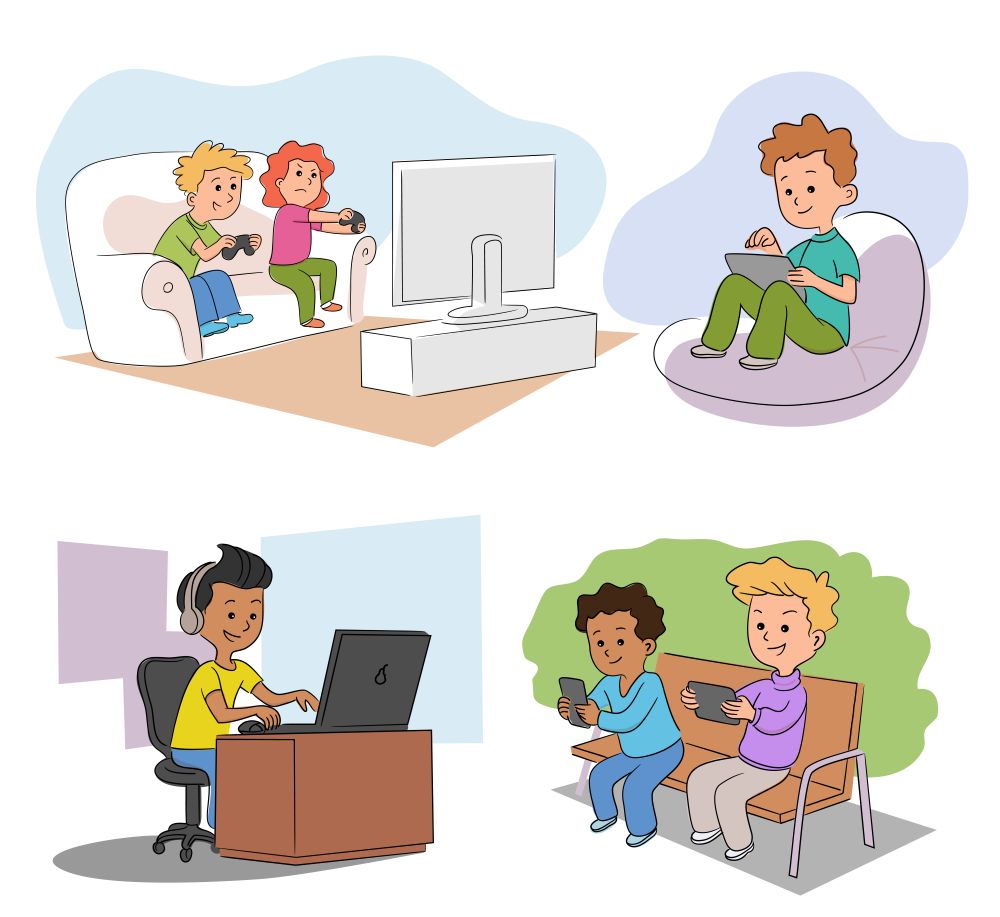
Students reflect on how technology affects learning, health, and relationships.
Key Concepts
Practice Examples
Healthy technology habits support focus, well-being, and long-term success.


 Contact Us