Using computers and tablets correctly: Students learn how to handle devices carefully, such as carrying them safely and placing them on flat surfaces.
What 'personal information' means: Personal information is private information about a person, such as their name, age, address, or school, and it should not be shared without an adult’s permission.
When to ask an adult for help: Students learn that they should always ask a trusted adult before clicking unfamiliar links or using new apps.
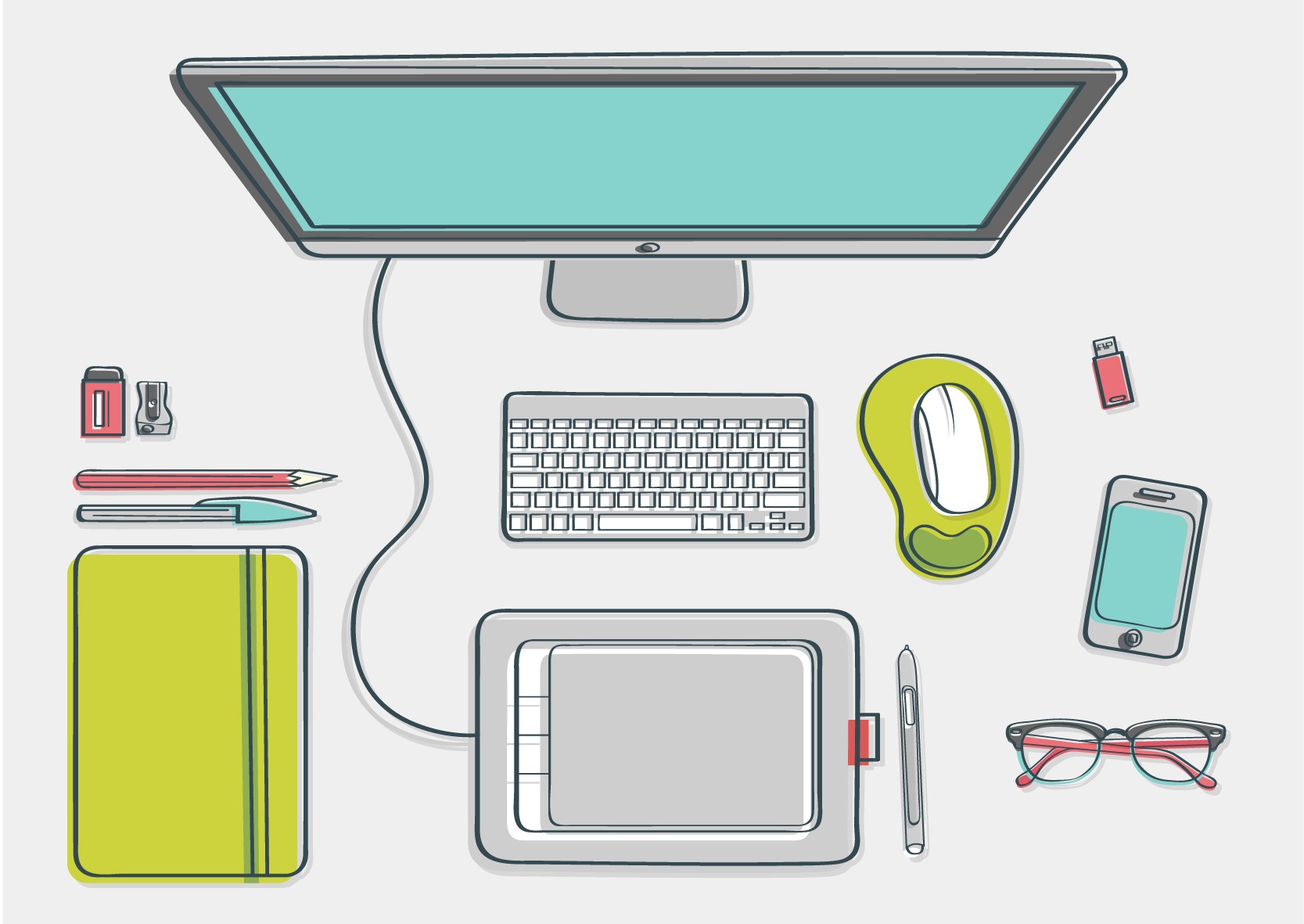
Basics of Computer Parts
Students learn:
Computer: A computer is a machine that helps people work, learn, and play.
Screen: The screen shows pictures, words, and videos so we can see what the computer is doing.
Keyboard: The keyboard is used to type letters, numbers, and symbols.
Mouse or Touchpad: A mouse or touchpad helps move the pointer and click on things on the screen.
Introduction to Coding (Sequencing)
Students learn:
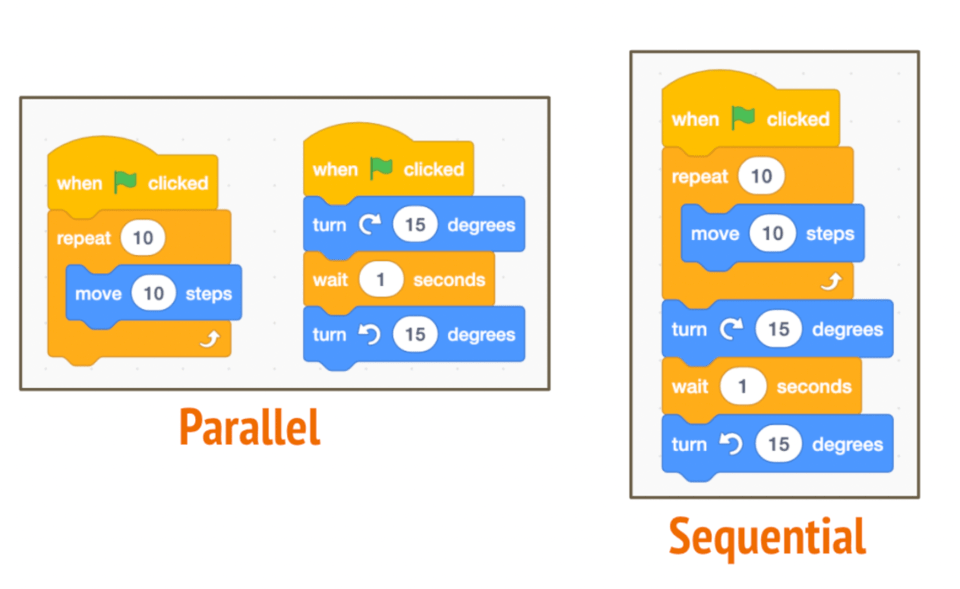
Steps must be in order: Students learn that instructions must be followed in the correct order for things to work properly.
Commands move characters or robots: Commands are simple instructions, like “move forward” or “turn,” that tell a character or robot what to do.
Debugging means fixing mistakes: Debugging is finding and correcting errors when something does not work as expected.
Technology in Everyday Life
Students learn:
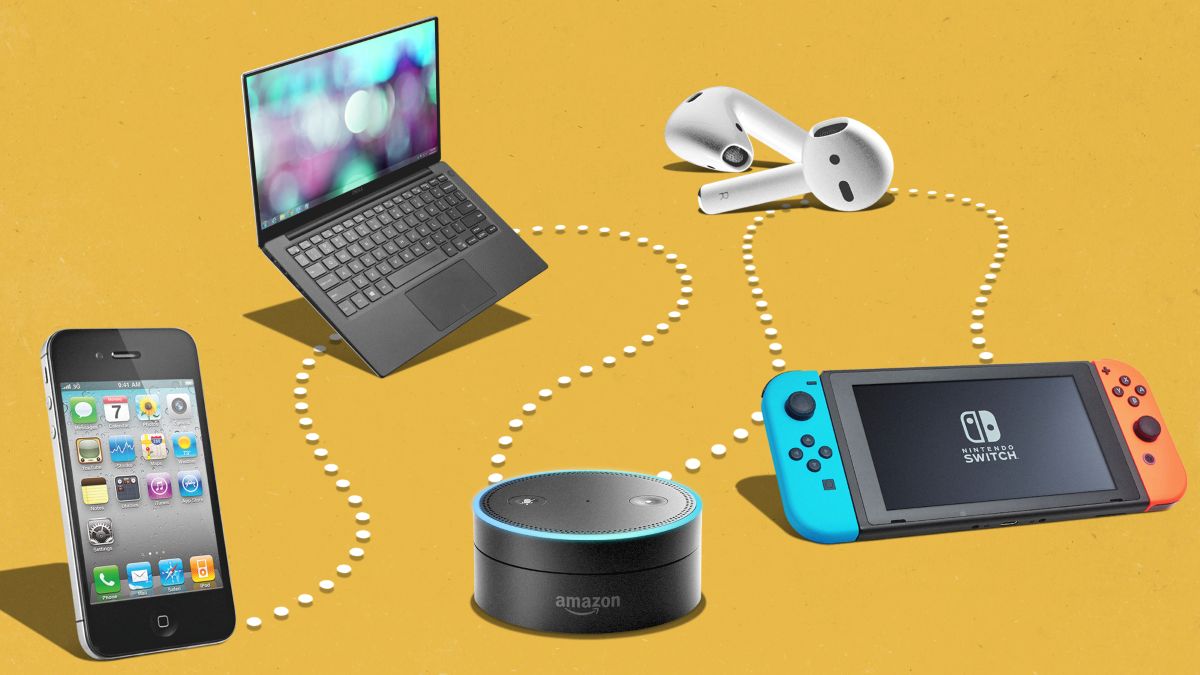
Technology helps people: Students learn that technology is used to make tasks easier and faster.
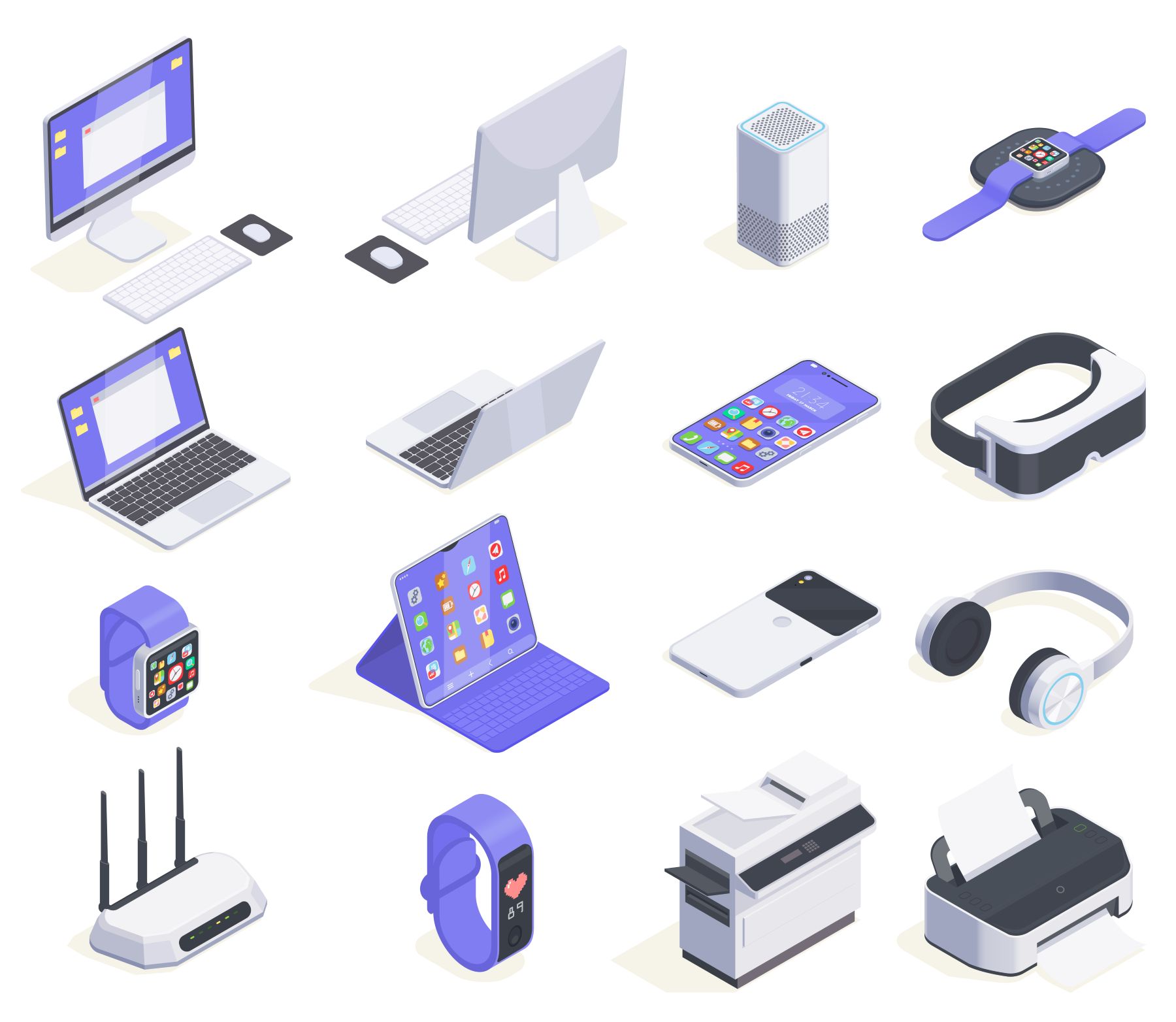
Technology at home and school: Examples include microwaves, clocks, printers, and smartboards that help people every day.
Digital Creativity
Students learn:
Technology can be used to create: Students learn that devices can be used to draw, tell stories, and share ideas, not just watch videos.
Creating simple digital projects: This includes drawing pictures, adding shapes, or recording short sounds.
"Be a little kinder than you have to." ― E. Lockhart (in 'We Were Liars')



 Contact Us